
How to Share a Project in thesheet with Your Client
Learn how to easily share a project with your client and use thesheet Client Dashboard.
How to share a project with your clients
thesheet allows you to easily share your project with you client, making client feedback and communication so much easier.
Sharing a project
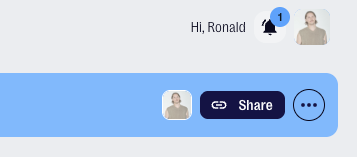
- Click the Share button in the top right corner of the project you want to share.
- This will copy the sharing link to your clipboard which you can then paste to an email or any communication with your client. They will see your project in thesheet client view.
How to check your project in the client view
For your ease of mind you can always check the Client view by pasting the same link to your browser or clicking the Client preview button under the three dots next to the share button.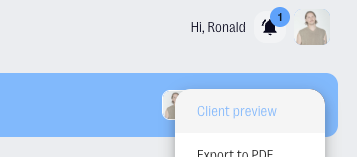
Troubleshooting your client view:
- Are all your products visible? – Check the product status
- Is all the required information added? – Review the product details
- Can you see relevant product comments? – Add product comments
- Are the floor plans and mood boards visible? – Add floor plans and mood boards