
Your Account Settings
Your account settings
We have kept your account settings straightforward and easy to manage.
How to access your account settings:
- Click on your Account in the top right corner of thesheet.
- From the dropdown menu, select Settings.
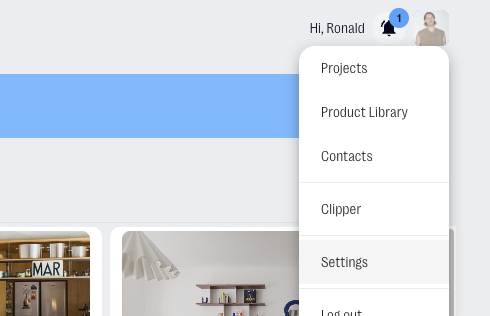
In your account settings, you can:
How to update your personal profile
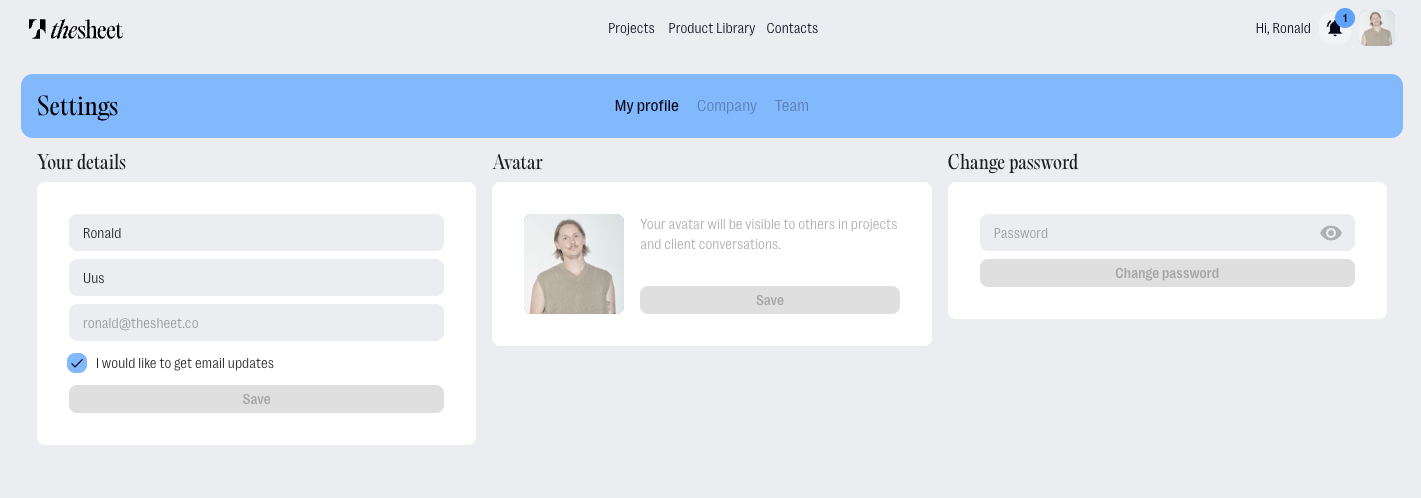
- Navigate to My profile in the account settings.
- From here, you can:
- Update your name and surname under your details.
- Manage your subscription settings by checking the provided box.
- Add an avatar to your account.
- Change your profile password.
How to update your company profile
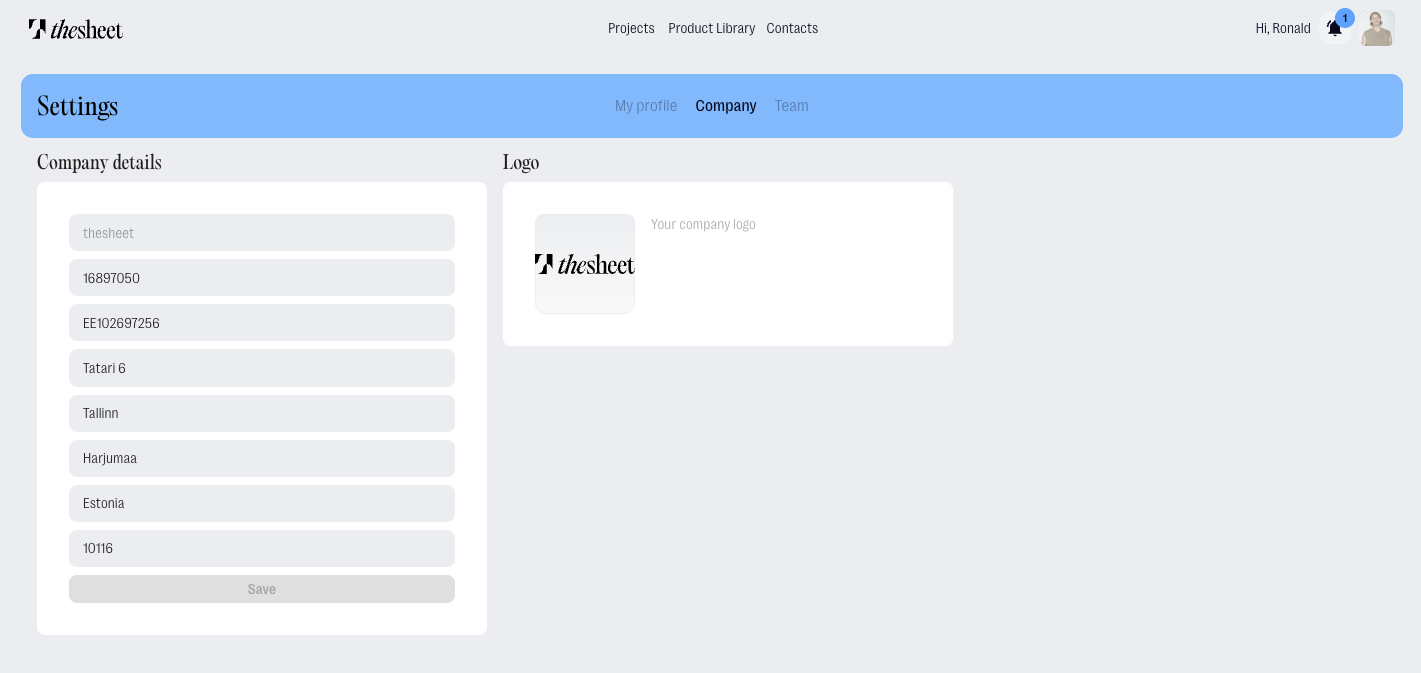
- Navigate to Company in the account settings
- From here, you can:
- Update your company details and requirements such as
- Registration Code
- VAT
- Company address
- Update your company details and requirements such as
- Add your company logo