Product Import from URLs
Importing products from URLs
If you've got a list of product URLs you want to bring into your library, you can import them all at once and let Donut fetch the details for you — no more opening every link individually.
Step 1: Open the import
In your Product Library, click ··· and select Import from URLs.
Step 2: Add your URLs
Paste in your URLs — one per line. You can also add a label to each URL (like "Cool chairs" or "Mood lighting") and it will automatically become a Tag in your library. Then choose what you want Donut to fetch for each product:
- Product info
- Images
- Dimensions
- Price
- Description
- Materials
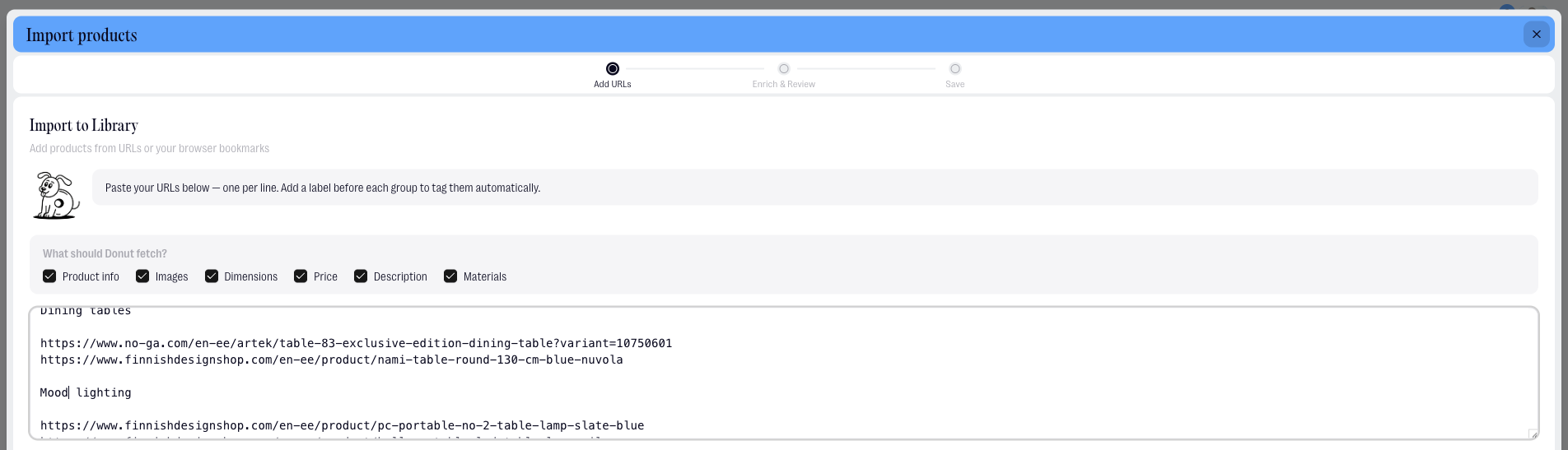
Alternatively, if you have organised browser bookmarks, you can upload a bookmarks file instead of pasting URLs manually. Export it from your browser as an HTML file and upload it directly.

Step 3: Fetch
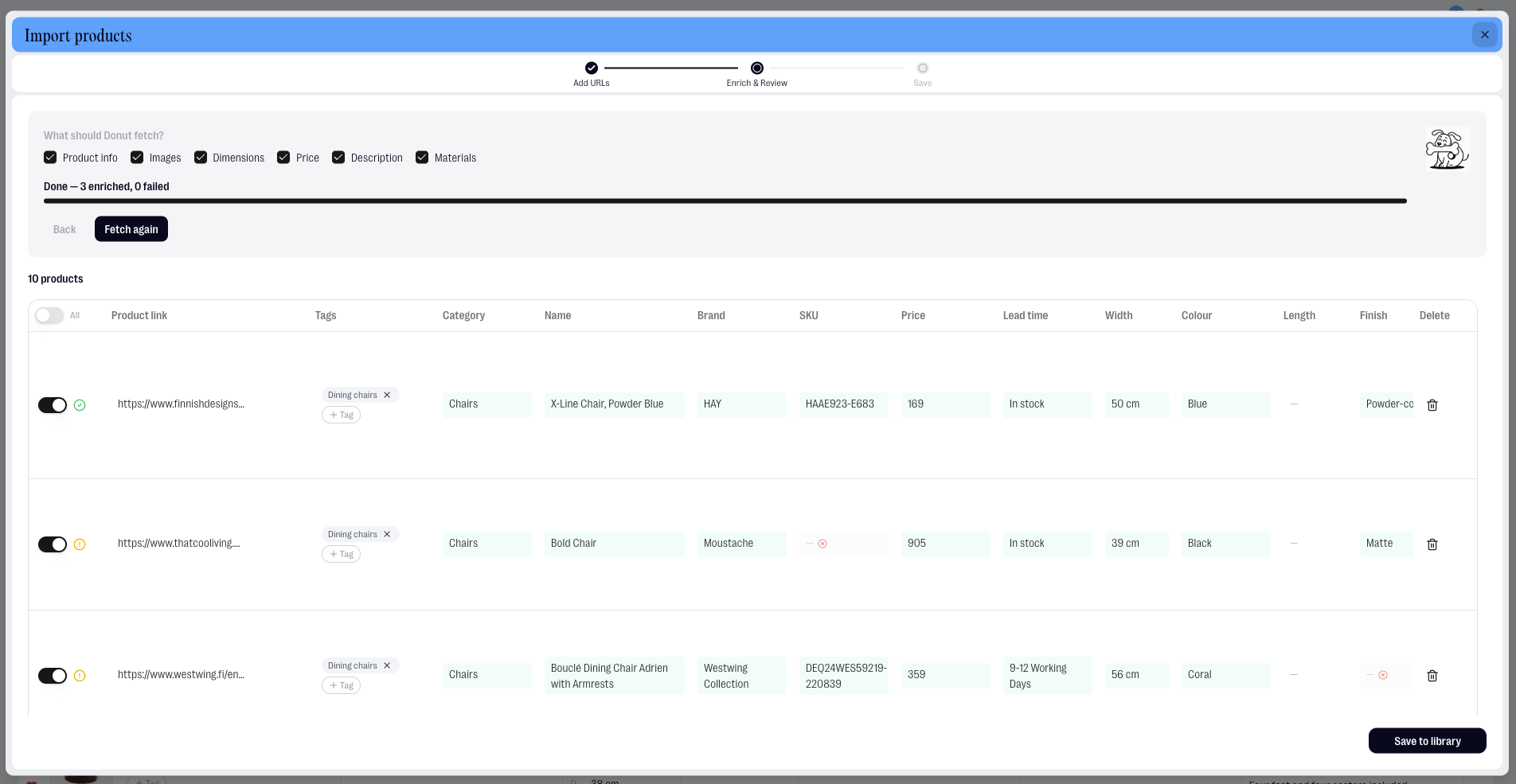
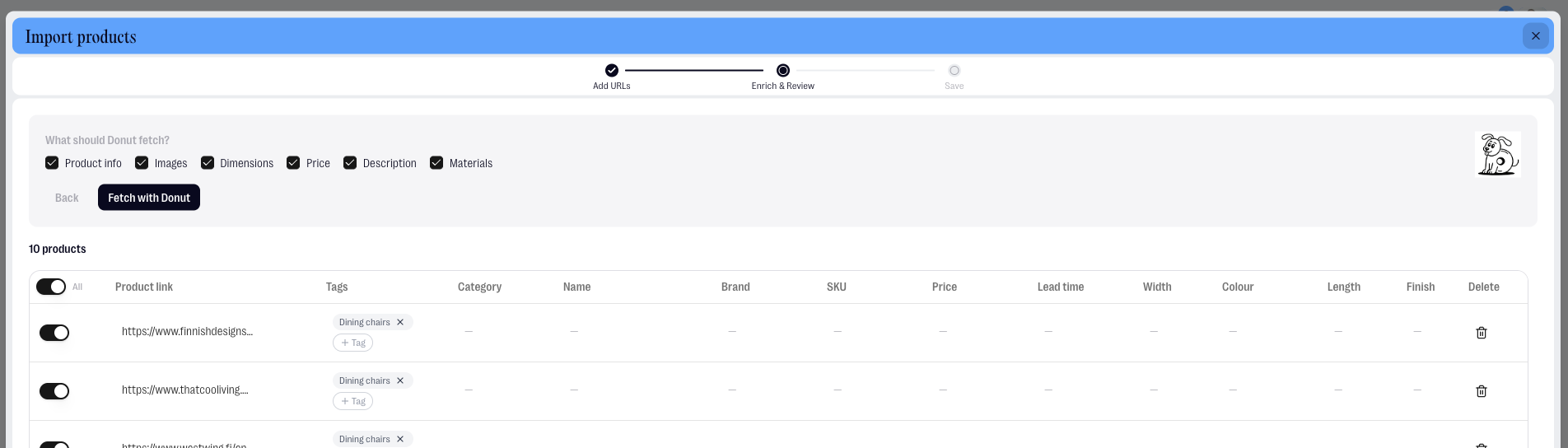
Review the full list of URLs, then hit Fetch. Donut will retrieve the information from each link.
Step 4: Review and save
Check what Donut found for each product. You can delete images or change their order before saving. When everything looks right, hit Save to Library.
Your products are now in your library, ready to add to any project.